
How to Use Omegle Alternatives Safely: Complete Security Guide 2026
Random video chat platforms can be fun, but they come with real risks. Your face, voice, and personal details are on display to strangers who might have very different intentions than you do. I’ve seen plenty of people get caught off guard by things they didn’t see coming.
This guide covers what actually works to stay safer on Omegle alternatives in 2026. No fluff, no theoretical advice—just practical steps you can implement right now.
Before You Start — Security Checklist
Before you even open a random chat app, run through this quick security setup. Taking five minutes now can save you from serious problems later.
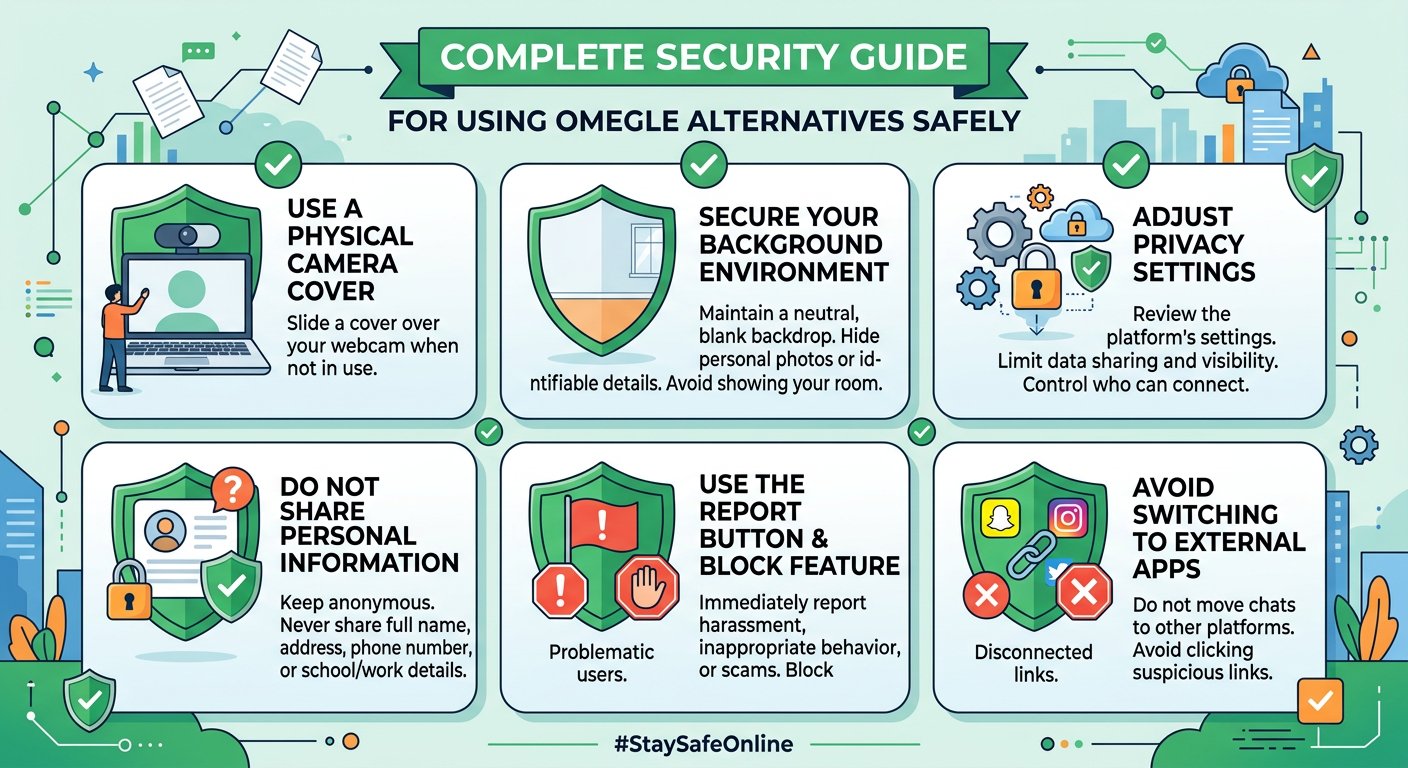
Camera cover — Webcam hacking is real, and it’s more common than people think. Even if a platform seems safe, covering your camera when you’re not actively using it is smart practice. Physical covers are cheap and effective. Slide it closed when you’re done chatting.
Clean background — Look at what’s visible behind you before starting a video chat. Personal photos, documents, mail with your address, or anything that identifies your location should be out of frame. A neutral wall or blurred background works best.
Private account mode — If the platform allows you to hide your profile or use anonymous mode, enable it. Don’t link your social media accounts or use your real name as a username.
Recent reviews — Spend two minutes reading recent reviews of any platform you’re considering. Users often post about security issues, scam attempts, or data handling problems that official websites won’t tell you.
For more on how to protect privacy online tips, including app permissions and data sharing habits, check out this comprehensive privacy guide.
Protecting Your Identity
Camera and Background Safety
Your camera is the most vulnerable point in any video chat. Strangers can capture your image, record your conversations, or use footage for blackmail, impersonation, or harassment. Here’s how to minimize exposure:
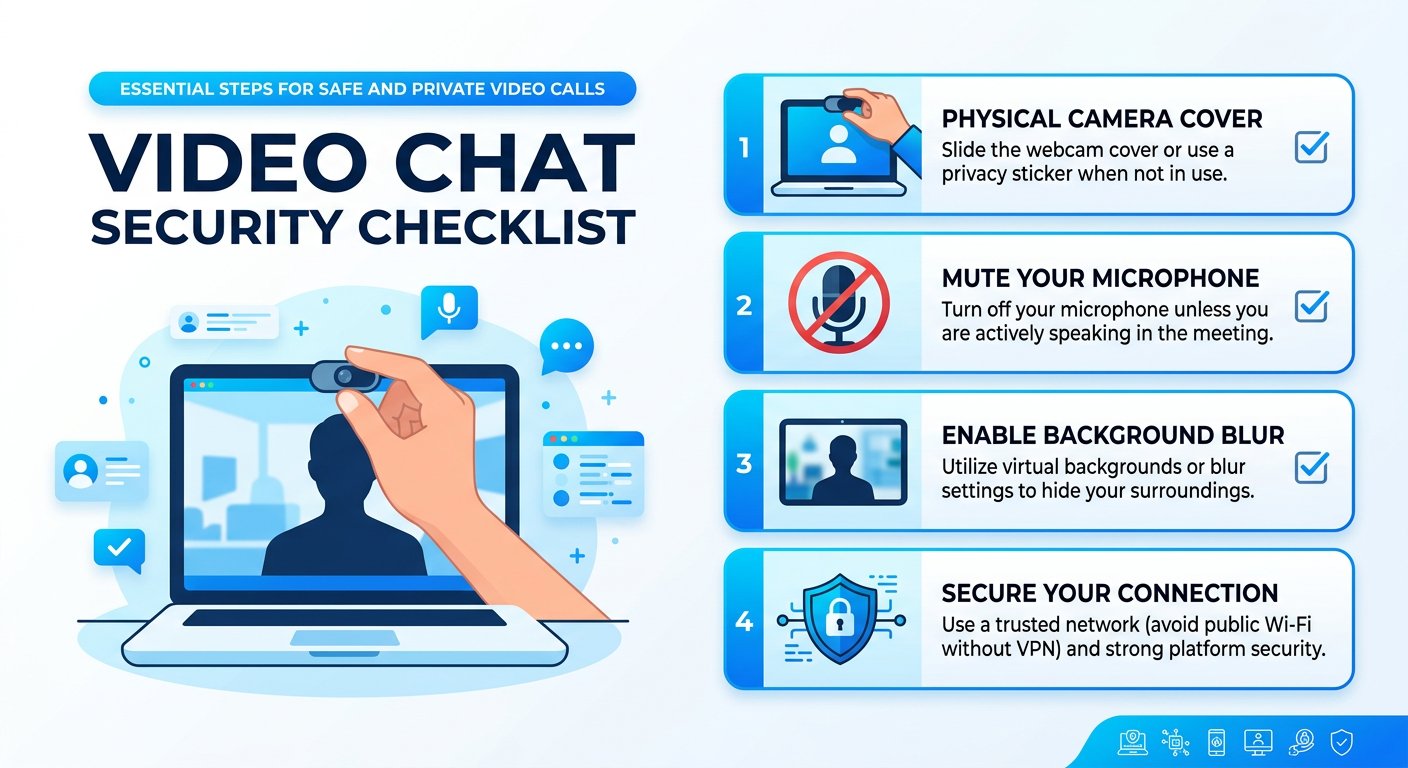
Physical camera covers — Slide-over covers or adhesive dots cost under $5 and provide certainty that no one can access your camera remotely. If your laptop has a built-in camera, use the privacy shutter if it has one.
Position awareness — Sit with your back to a wall when possible. This prevents someone from seeing into your living space or identifying where you are. Avoid showing windows, street signs, or recognizable landmarks.
Lighting control — Backlighting can make you silhouetted and hard to see, but it also hides your surroundings. Front or side lighting shows your face clearly while keeping your background less defined.
Microphone discipline — Muting when not speaking prevents accidental audio capture. If you’re doing something sensitive in the background—working, having a personal conversation—just mute until you’re ready to talk.
For detailed camera security best practices, including home security camera guidelines, these resources cover both physical and digital camera protection.

Account Protection Basics
Even on platforms that don’t require registration, basic account hygiene matters if you create profiles:
- Use unique usernames that don’t match your other online accounts
- Separate email addresses for different platforms
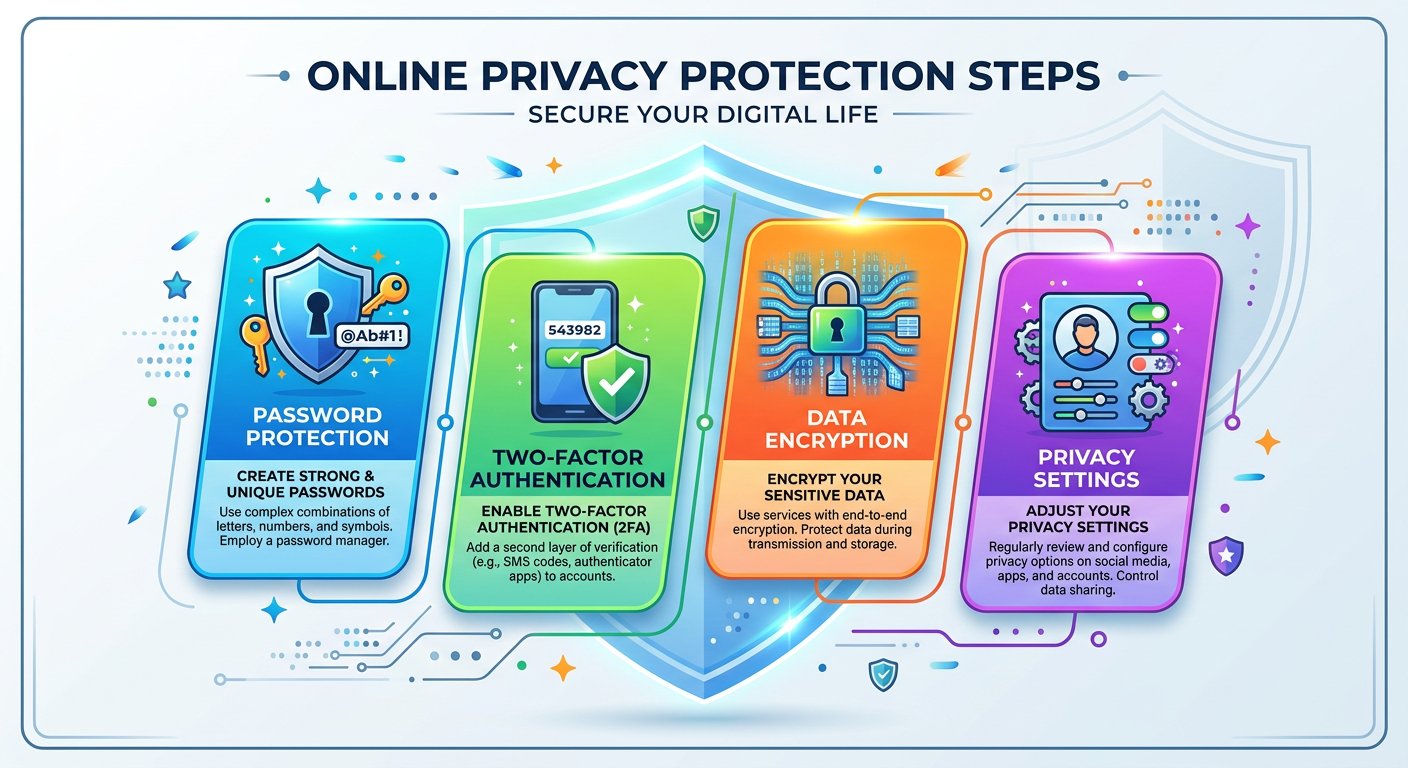
- Strong, different passwords for any accounts you create
The less your video chat activity connects to your real identity, the safer you are.
During the Chat — What to Watch For
Red Flags to Recognize
The moment you connect with a stranger, start scanning for warning signs. Your instincts are usually right—if something feels off, it probably is.
Pressure to continue — If someone immediately tries to keep you talking past when you’re comfortable, that’s a red flag. Legitimate connections respect boundaries.
Requests for personal information — Strangers asking where you live, work, or go to school should trigger immediate caution. This information can be used against you.
Screen sharing requests — Unexpected prompts to share your screen can expose sensitive data—banking apps, personal messages, work documents. Decline unless you’re certain of the person’s intentions.
Screenshot or recording hints — Watch for signs that the other person might be capturing your video. If they suddenly go quiet or seem distracted while still looking at you, they might be recording.
Too good to be true — Flattering comments, offers of business opportunities, or promises that seem disproportionate to the conversation are manipulation tactics.
How to Handle Bad Situations
When something goes wrong, your response matters. Here’s what actually works:
Immediate exit — Don’t feel obligated to be polite to someone who crossed a line. Close the app, end the call, block the user. Your safety comes before their feelings.
Report through proper channels — Most platforms have report buttons. Use them. Even if nothing seems to happen, your report goes into a system that tracks problematic users.
Screenshots for evidence — If someone threatened you, attempted extortion, or engaged in illegal behavior, screenshot the conversation. Many platforms don’t save chat logs, so capturing evidence immediately is important.
Don’t negotiate — If someone tries to use captured footage against you, don’t pay them or comply with demands. Reach out to authorities instead. These scammers expect compliance and often disappear when you refuse.
Talk to someone — If something disturbing happened on a chat platform, tell someone you trust. Predators count on isolation and shame to keep victims silent.
For more on recognizing avoid social engineering attacks—manipulation tactics used by scammers—this security resource covers common psychological tricks to watch for.
After the Chat — Data Safety
Protecting What Was Shared
Once a conversation ends, your data safety concerns shift. What might someone do with information they gathered during your chat?
Review platform privacy settings — Check what data the platform collects and retains. Some services save chat history or connection logs. If you used a platform that doesn’t encrypt conversations, assume they could be stored.
Monitor for impersonation — If you shared identifying information, set up Google Alerts for your name or username. If someone creates fake profiles using your image or details, you’ll catch it early.
Check connected accounts — If you linked any social accounts during sign-up, review what permissions you granted. Revoke access for platforms you no longer use.
Device scan — Run a basic malware check on your device, especially if you clicked any links during the chat. Some platforms use chat windows that can contain malicious links.
Platform-Specific Safety Tips
Different Omegle alternatives have different safety features. Knowing what’s available helps you use each platform more securely.
CamSurf — Active moderation and reporting tools. Use the language filter to find compatible chat partners and reduce time wasted on communication barriers.
Chatroulette — Improved AI moderation since early days. Still lacks some safety features of newer platforms, but the large user base means faster matches.
OmeTV — Gender and region filters available. The reporting system is accessible mid-conversation—use it when needed rather than waiting until the call ends.
Emerald Chat — Interest-based matching reduces random pairings. The karma system helps identify established users who follow community guidelines.
If you’re exploring video chat sites that work on mobile devices, check the safety features section for each platform before downloading.
FAQ — Safe Video Chat
Are Omegle alternatives safe to use?
No platform is completely safe, but well-moderated alternatives with active reporting systems are significantly safer than unmoderated ones. Your safety depends largely on your own habits—covering cameras, avoiding personal information sharing, and recognizing red flags.
What should I never share on random chat platforms?
Never share your real name, address, workplace, school, phone number, financial information, or photos that could identify your location. Treat every conversation as potentially recorded.
How do I know if someone is recording me on video chat?
You often can’t know for certain. Watch for behavioral signs: the other person going quiet while staring at their screen, sudden loss of eye contact, or requests to “wait, let me fix something” mid-conversation. Exit immediately if you’re suspicious.
What should I do if someone shares my video chat footage online?
Document the unauthorized use, report it to the platform where it appeared, contact local authorities, and consult with a lawyer if the footage is explicit or being used for extortion. Many jurisdictions have laws against this type of image-based abuse.
Can I use Omegle alternatives anonymously?
Most platforms allow anonymous use without registration. However, your IP address, device identifiers, and video footage are still visible to the platform and your chat partners. True anonymity is nearly impossible on video chat services.
What’s the safest Omegle alternative in 2026?
Platforms with active human moderation, AI content scanning, and responsive reporting systems offer the best safety profiles. CamSurf and platforms with similar moderation infrastructure tend to have lower rates of harassment compared to unmoderated alternatives.


