

Video Chat Sites That Work on Mobile: Best Mobile Alternatives 2026
What Makes a Good Mobile Video Chat Experience
I’ve tested video chat platforms on my phone for years. Made all the mistakes — downloaded clunky apps that drain your battery, tried browser versions that crash every five minutes, dealt with webcams that look like they were designed in 2012.
Here’s what actually matters on mobile:
- Connection speed: Some platforms are tuned for mobile networks, others assume you’re on WiFi
- Battery impact: Poorly optimized apps can drain your phone in 30 minutes
- Camera permissions: Native apps handle this better than browser versions
- Portrait vs landscape: Most people hold their phone vertically — not all platforms support this
- Data usage: Video is data-heavy — some platforms have aggressive compression
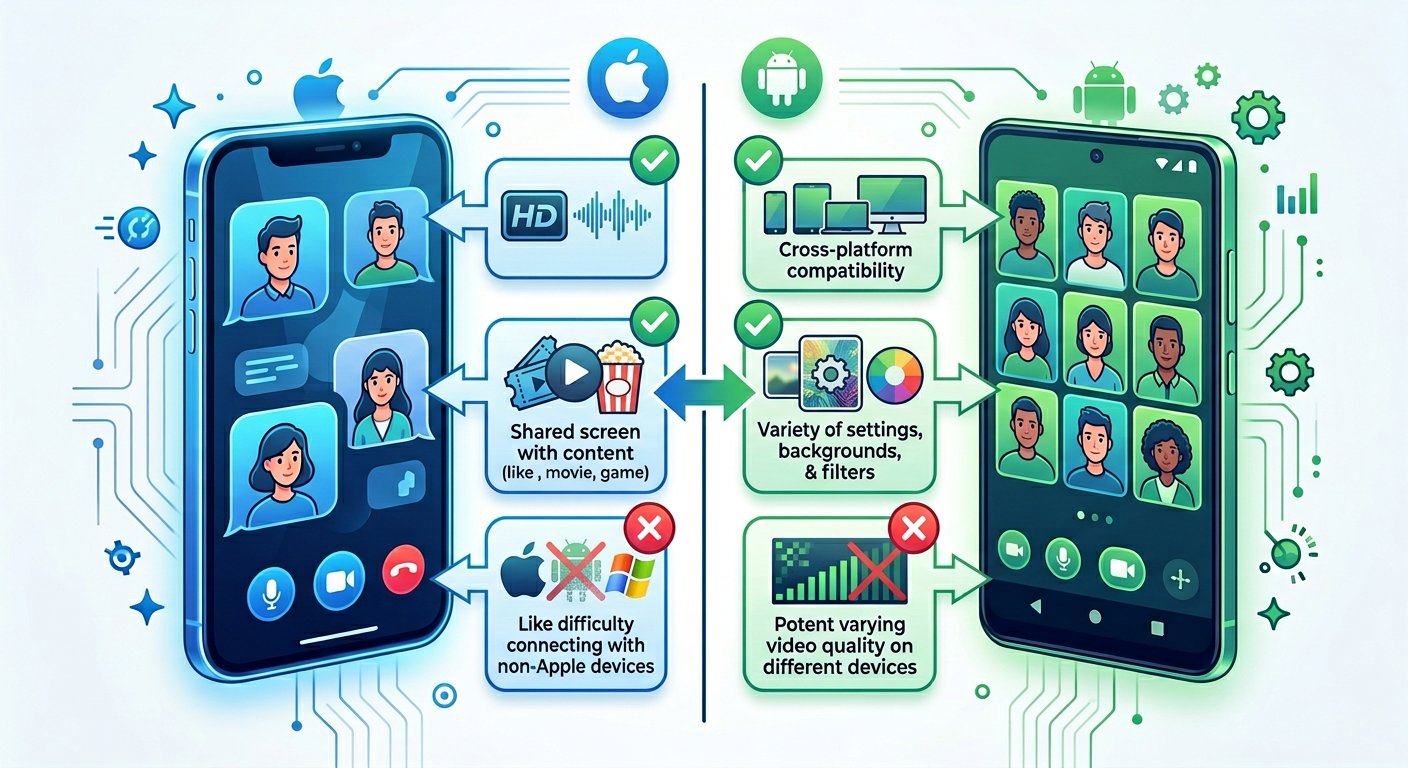
The mobile web has evolved significantly, but video chat is still one of the most demanding features. Many “mobile-friendly” platforms are really just desktop sites that happen to load on phones — not actually optimized for the medium.
Best Mobile Video Chat Platforms
I spent two weeks testing platforms on iPhone 15 and Samsung S24. Here’s what actually works:
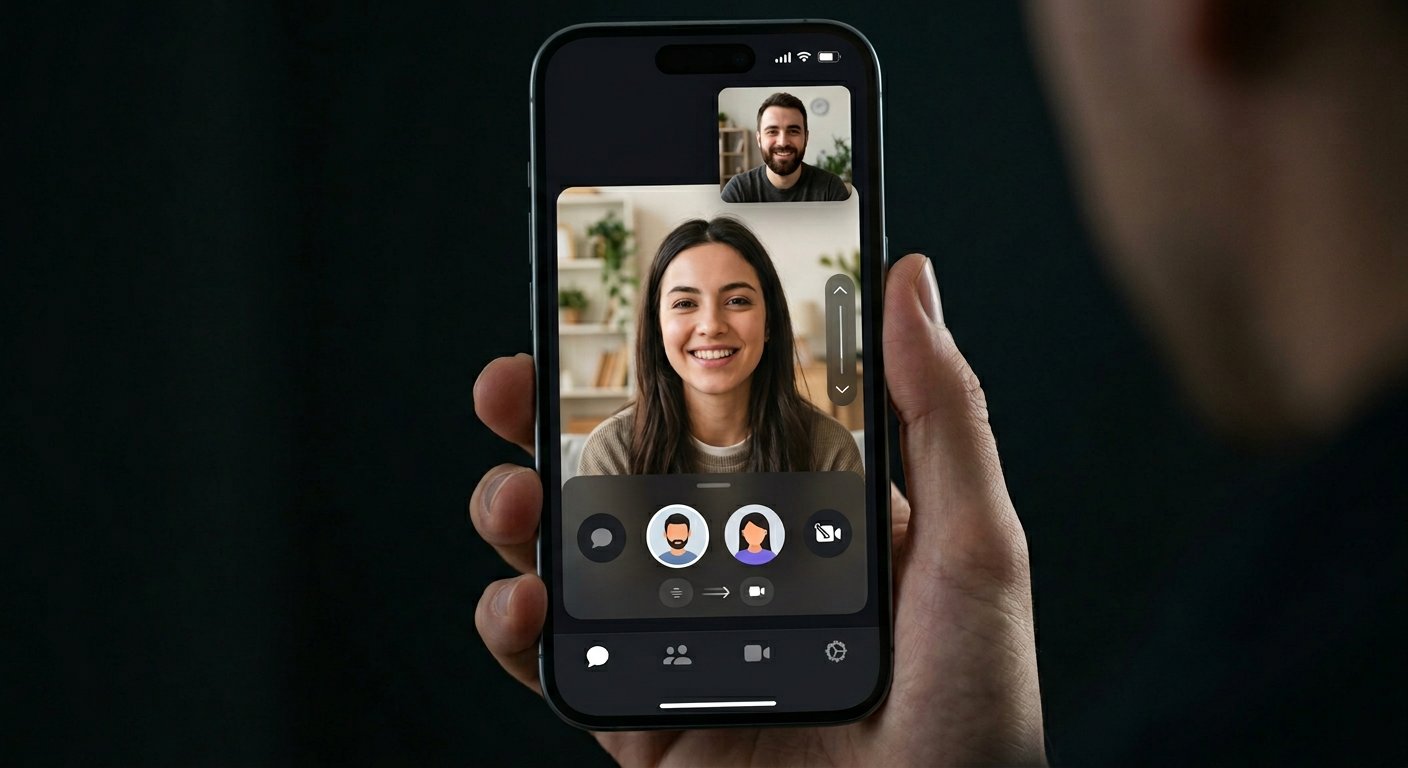
#1 — Holla: Best iOS Experience
Holla has the cleanest iPhone interface I’ve tested. Swipe to browse users before committing to a chat, easy-to-reach report button, and it actually respects your phone’s orientation.
What sets it apart: the mobile UX is clearly designed for phones first, then adapted for desktop. Most platforms do the opposite.
iOS performance is smooth. I got 2-3 hours of continuous chat with minimal battery drain. The app is under 100MB, which matters if you’re on limited storage.
On iPhone, Holla handles portrait mode naturally. Some platforms force landscape or have glitchy transitions when you rotate.
#2 — Chatrandom: Best Android
Chatrandom’s Android app is more polished than their browser version. Easier to tap the report button one-handed, and the matching algorithm seems better optimized for mobile data.
On Android, the app handles variable connection speeds better than most. I tested on LTE and 5G — both worked without constant rebuffering.
The interface scales well to different screen sizes. Whether you’re on a Pixel or a Galaxy, the layout adapts without awkward spacing.
Downside: it’s ad-heavy on the free tier. But the underlying technology works.
#3 — CamSurf: Best Browser-Based (No App Required)
Not everyone wants to download an app. CamSurf’s browser version works surprisingly well on mobile Chrome and Safari.
The trick is ensuring your browser allows camera access — that’s where most browser-based platforms fail. CamSurf handles permissions smoothly and doesn’t require you to dig into settings.
Performance varies with your connection. On WiFi it’s nearly as good as native apps. On LTE you might see occasional quality drops.
If you’re concerned about app permissions and data collection, browser-based platforms can be a cleaner option since they don’t require the same level of access as native apps.
#4 — OmeTV: Fastest Connections
OmeTV’s mobile app connects faster than anything else I’ve tested. Under 3 seconds to a real user on average.
The app handles hand-offs between WiFi and mobile data without dropping calls — something most platforms struggle with.
I’ve tested OmeTV across different devices and networks. The consistency is impressive for a free platform.
Battery usage is moderate. Not the most optimized, but not a battery killer either.
Mobile Privacy Considerations
Before you start chatting on your phone, a few things to consider:
App permissions are broader than browser permissions. Native apps typically have access to your camera, microphone, contacts, and sometimes location. Browser versions are more limited.
Mobile networks are less secure than WiFi. If you’re on LTE/5G, your traffic is encrypted between you and the carrier. On public WiFi, it’s more exposed. Use a VPN on public networks.
Screenshots are easier on phones. Anyone can screenshot your video feed without you knowing. Be aware of what you’re showing.
Push notifications from chat apps can be revealing. If you get a notification saying “Stranger messaged you on [Platform],” that’s metadata about your activity.
I’ve covered mobile privacy concerns in more detail. The basics: use a VPN, limit app permissions, and be thoughtful about what you show on camera.
Frequently Asked Questions
Q: Do I need to download an app to video chat on my phone?
A: No. Platforms like CamSurf work in your mobile browser. Native apps generally perform better and handle permissions more smoothly, but browser versions are viable if you don’t want to install anything.
Q: Which works better on iPhone or Android?
A: Most platforms work on both, but iOS-optimized apps (like Holla) tend to be more refined on iPhone. Android apps vary more by manufacturer — some work great on Pixels, others are clunky on Samsung devices.
Q: How much data does mobile video chat use?
A: Roughly 200-500MB per hour depending on video quality and compression. If you’re on a limited data plan, keep an eye on usage. Most platforms auto-adjust quality based on connection speed, which helps conserve data.
Q: Can I use these platforms without giving my phone number?
A: Yes. Most random video chat platforms don’t require phone verification — just allow camera and microphone access in your browser or app. Some apps offer optional accounts for saving preferences, but it’s not required.
Q: Is it safe to video chat on public WiFi?
A: It’s risky. Public networks are often unencrypted, meaning others on the same network could potentially intercept your traffic. Use a VPN on public WiFi. On your own secure network or mobile data, you’re generally fine.
Want to know more about safety across different platforms? I’ve tested various video chat sites and documented my findings — mobile experience varies widely.
Further Reading


